Under the camera
Your eyes stay on the lens, not on your notes
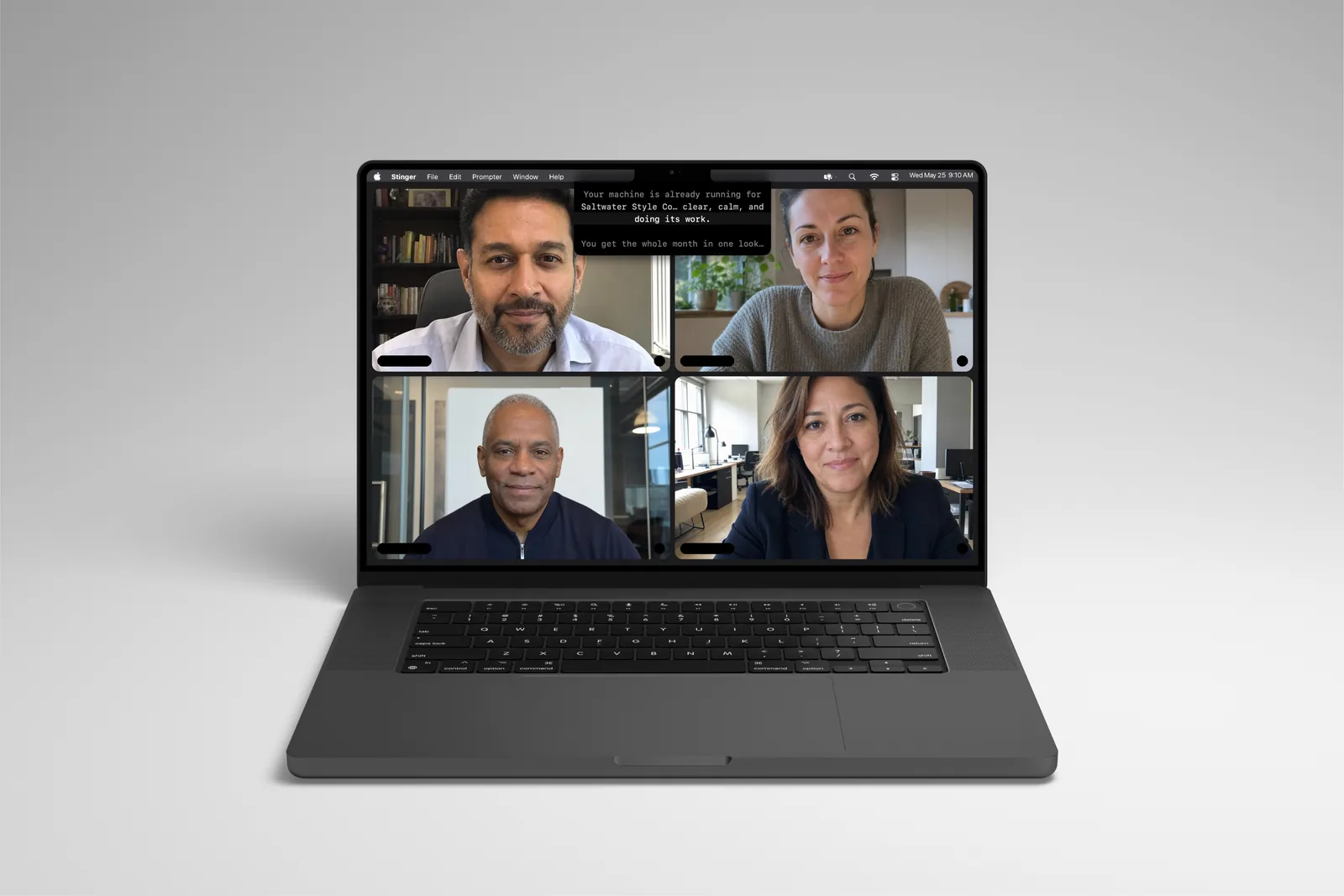
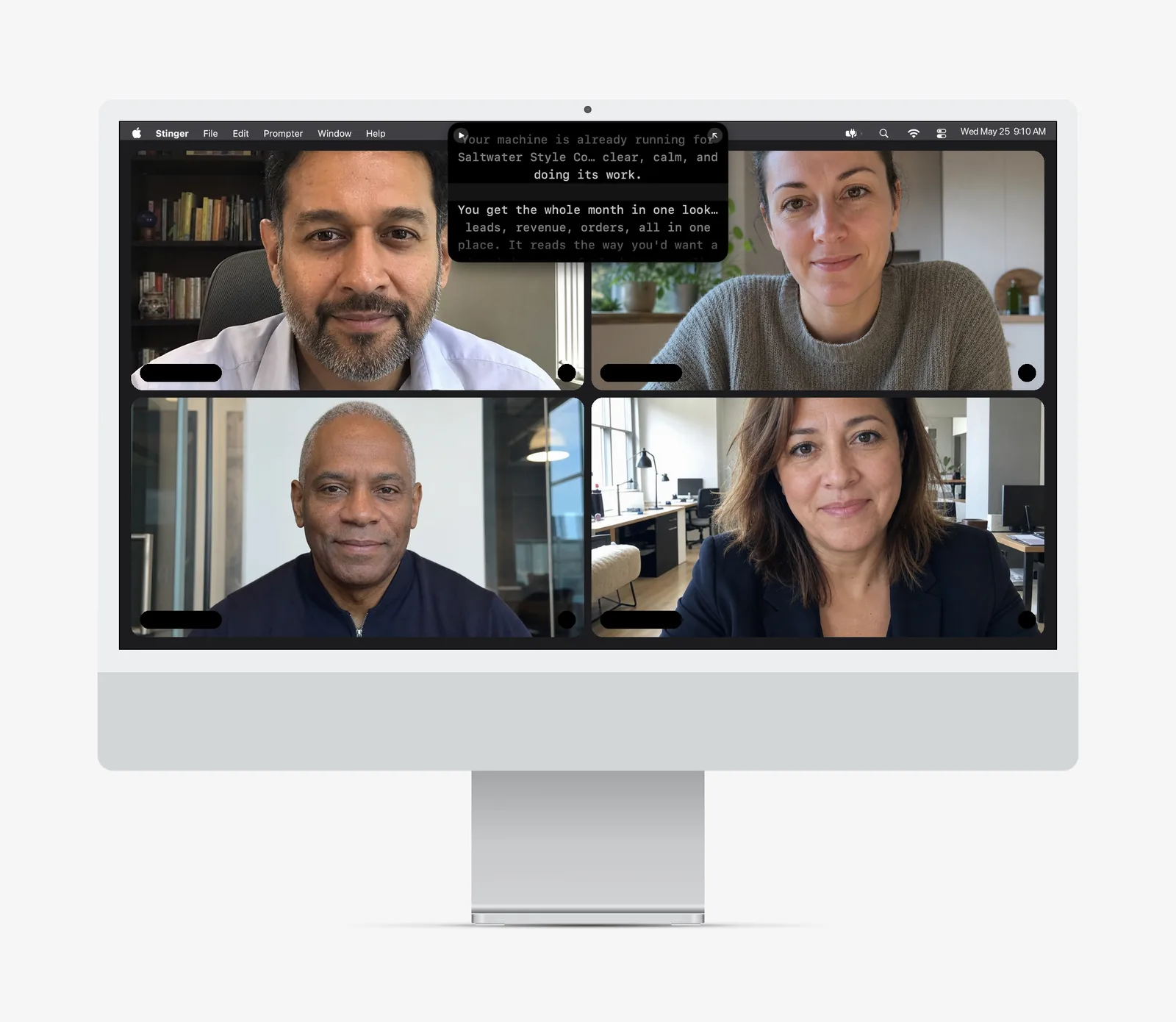
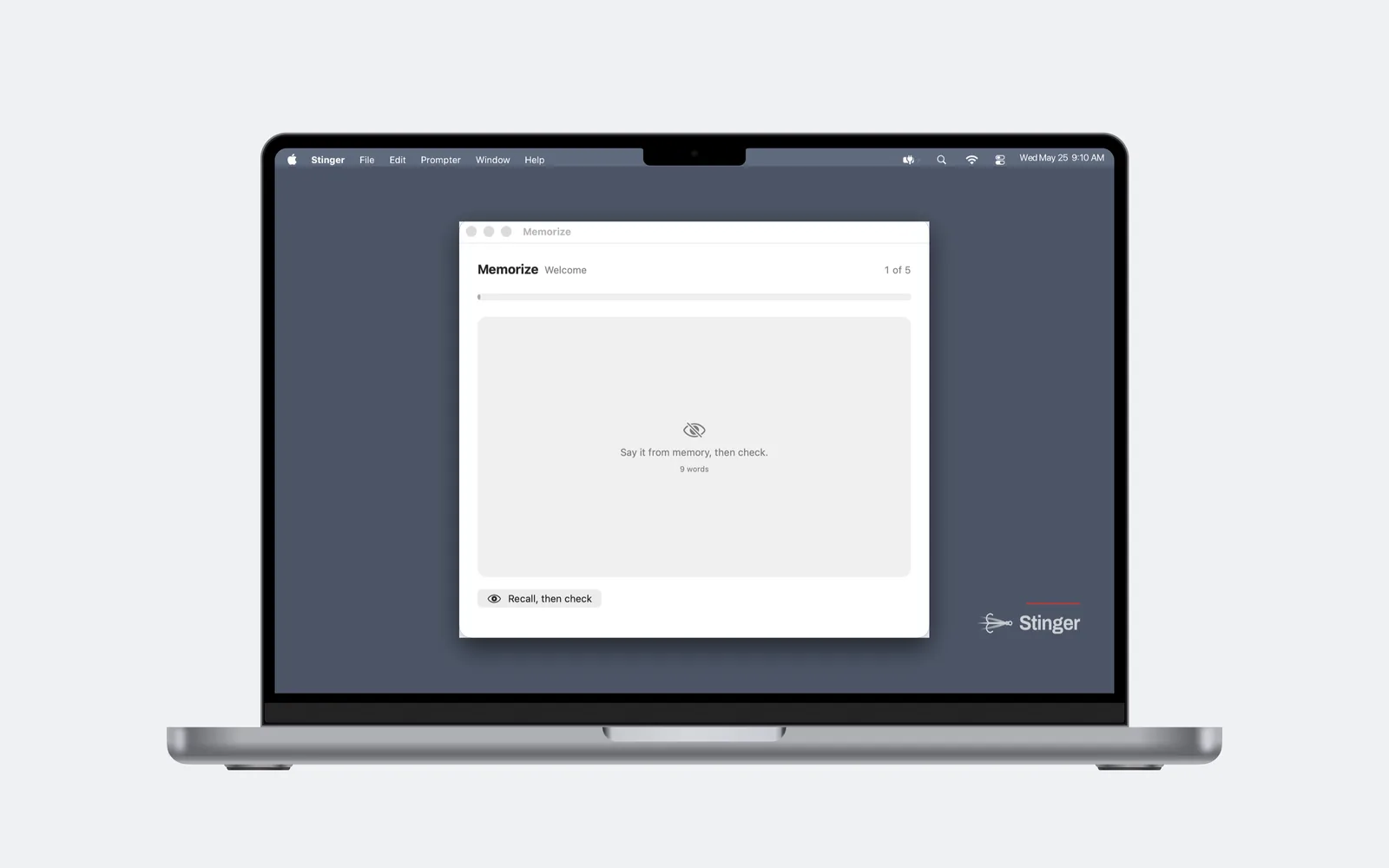
The script hangs right under the camera, in the notch if your MacBook has one, top-center if it doesn't. You're looking at the person watching, not down at a window, so the take reads like you talking instead of reading.
More about Under the camera
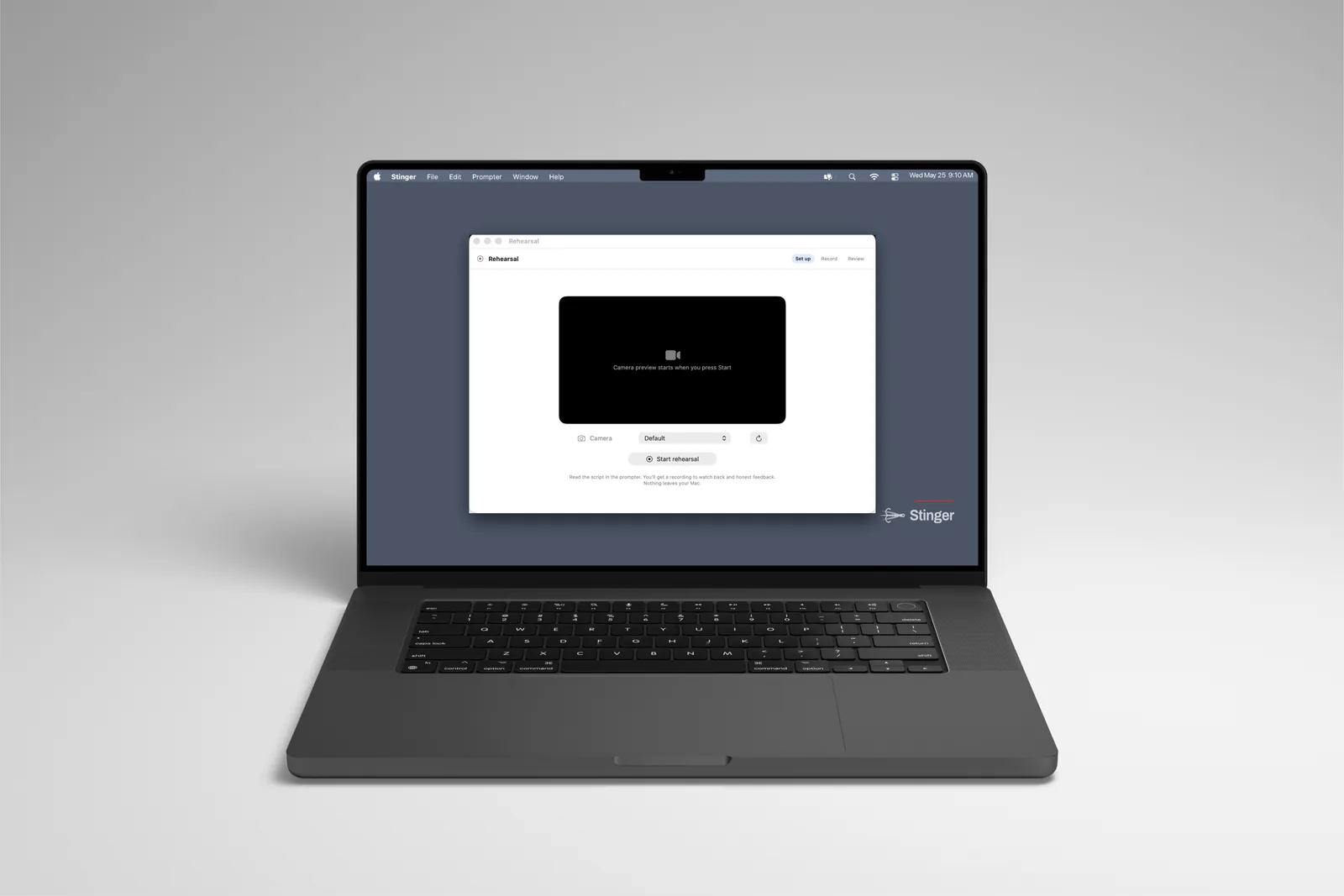
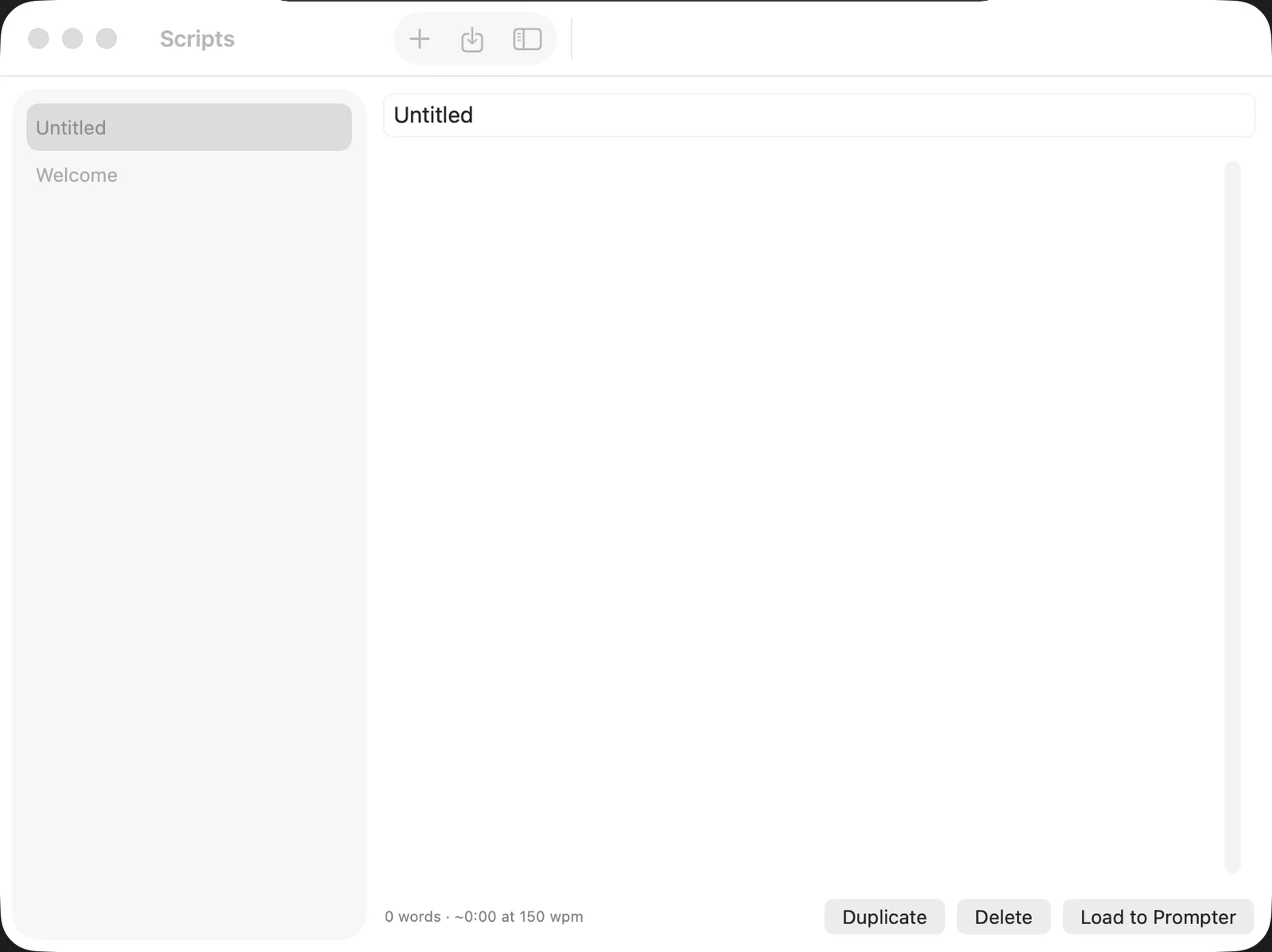
Open Stinger and read one sentence out loud in the set-up assistant. It calibrates your mic and your pace. Paste your script, press Load and finish, and it appears under the notch. Press ⌘P and a 3-2-1 countdown gives you a second to find the lens before the script lights up. Hover the panel any time to pause and see the controls: play, restart, mode, speed, and a grip to drag it wherever you need it. Run the set-up assistant again from Help whenever your mic or pace changes.
- Notch Macs: script sits directly under the camera
- No notch or external display: script sits top-center
- One-sentence calibration in the set-up assistant, re-runnable any time
- ⌘P starts a 3-2-1 countdown before the script lights up
- Hover to pause and reach play, restart, mode, speed and drag controls