

MAC TELEPROMPTER · IN THE NOTCH
Your script, under the lens. Stay close to your audience.
Keep your next line close to the camera, so you can focus on explaining it. Set a pace, scroll as you speak, or use Track to follow your words.
Free 7-day trial · No card · Auto scrolling on one Mac Voice and Track require a paid license. macOS 15+ · Apple Silicon or Intel
9:40 PM, KITCHEN TABLE, TAKE FOUR
You know the material cold. The camera is the only thing in the room you can’t talk to.
BEFORE
A Google Doc in a window on the left. Every glance at it, the camera catches your eyes sliding off. Take three you nailed the opening and blanked on the third point. “Okay, okay.” Drag the doc closer. Record again.
AFTER
Press ⌘P. Your next point is just below the camera. Pause, restart, and pick up your thought without hunting through a separate document.
HOW IT WORKS
Your first script. Three simple steps.
Paste or import your script
Bring a short script you already know. Paste it or import a supported file; your scripts stay ordinary files on your Mac.
Put the words near your camera
Position the panel where it helps you look toward your audience. It works with a notch, without one, or on an external display.
Find your pace in Auto
Try your own words at a steady scroll speed. Auto is included in the trial; Voice and word-following Track come with a paid license.
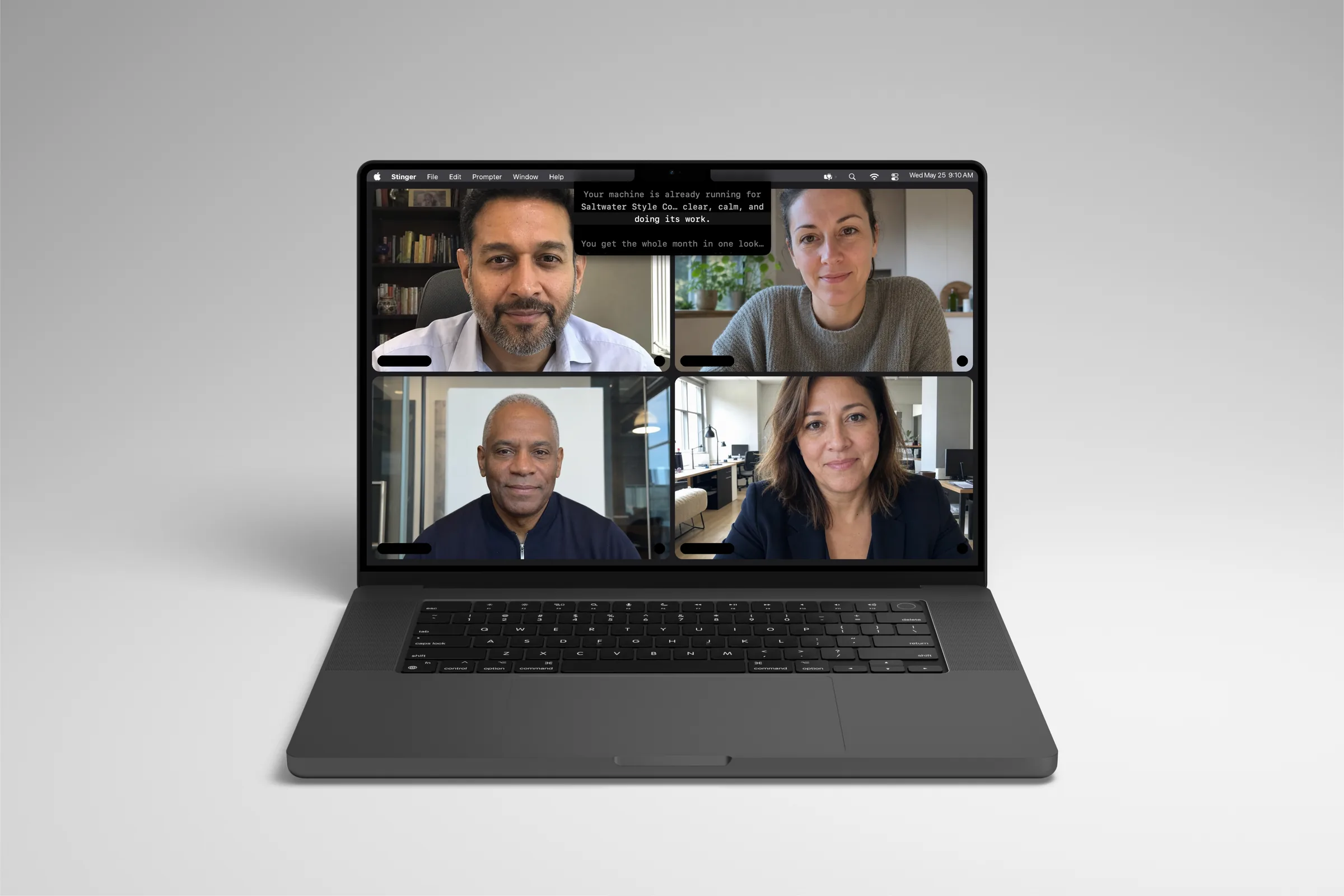
KEEP YOUR PLACE. KEEP THE CONVERSATION MOVING.
Less hunting for your next line.
Track follows your words
Read, pause or restart. Track follows your place using on-device speech recognition and falls back to voice-activated scrolling when confidence drops. Included with a paid license.
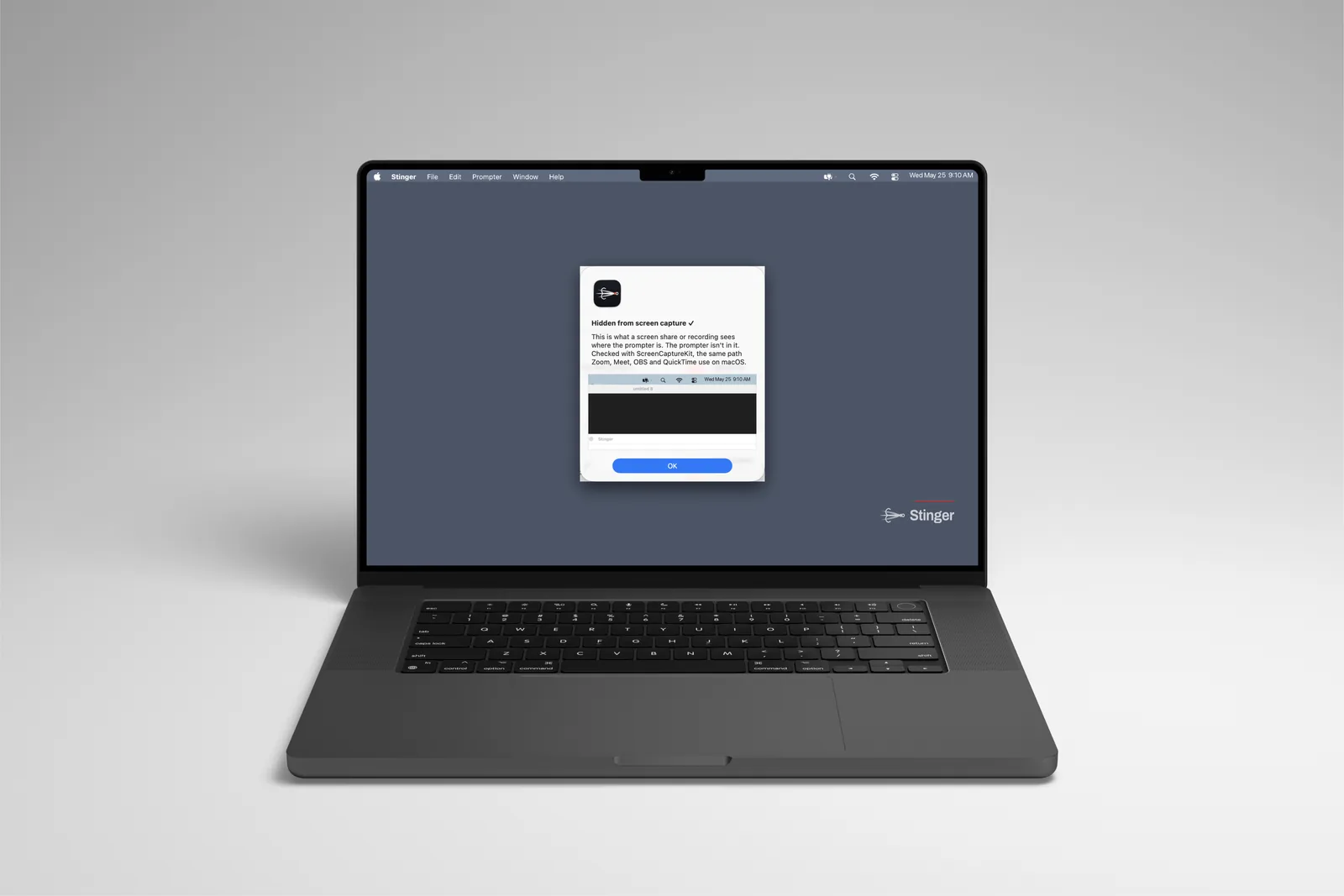
Check before you share
Stinger asks macOS to exclude its panel from capture. Run Ghost Check, then verify the meeting or recording app and sharing mode you plan to use; capture behavior varies.
Find the moments to revisit
Take marks save timestamped pauses, restarts and jumps as a file for each take. Give yourself or your editor a useful starting point for review.
Control it from your phone
Scan the Phone Remote QR code to play, pause and move through your script from a phone on the same Wi-Fi. No phone app to install.
PREPARE. DELIVER. REVIEW.
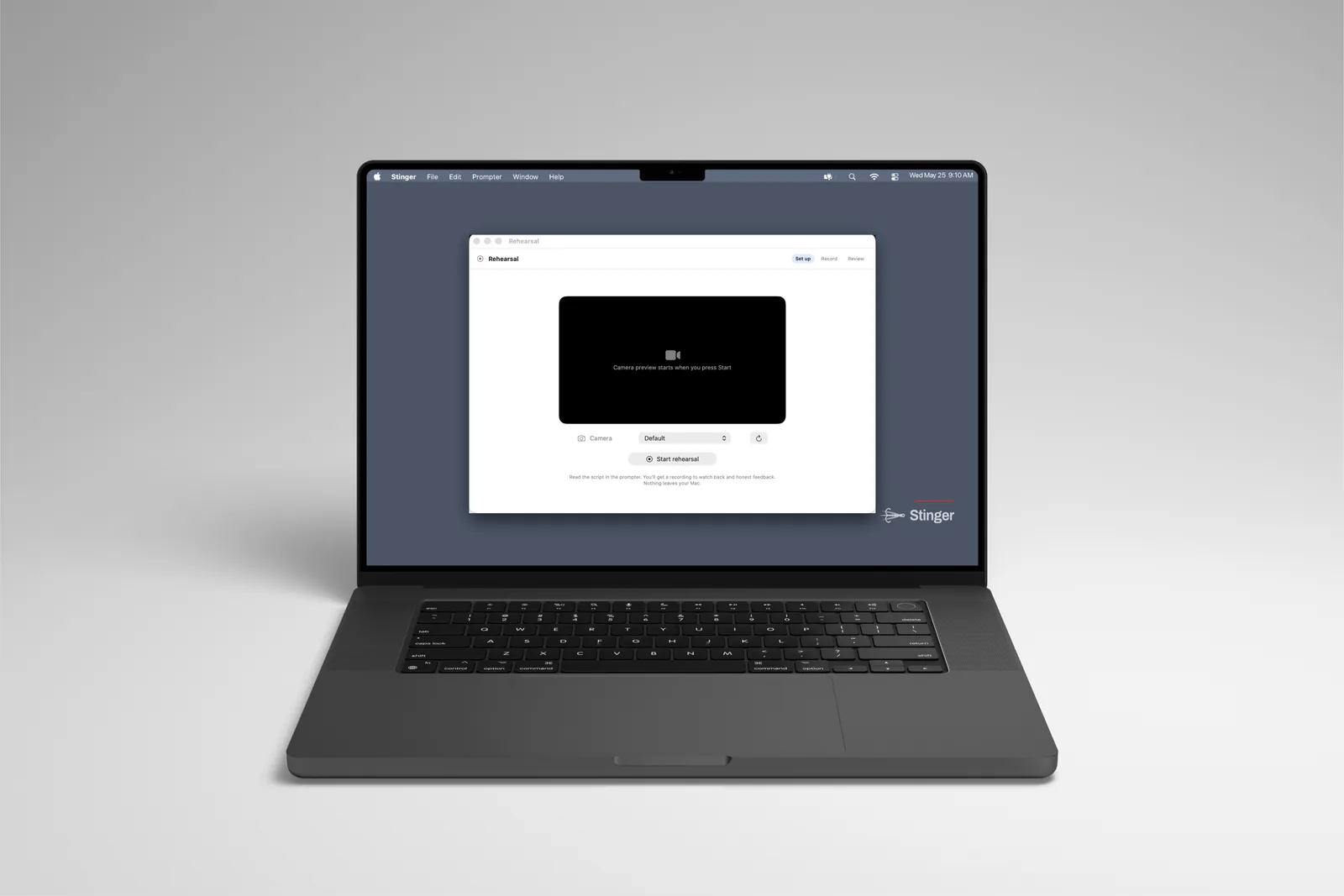
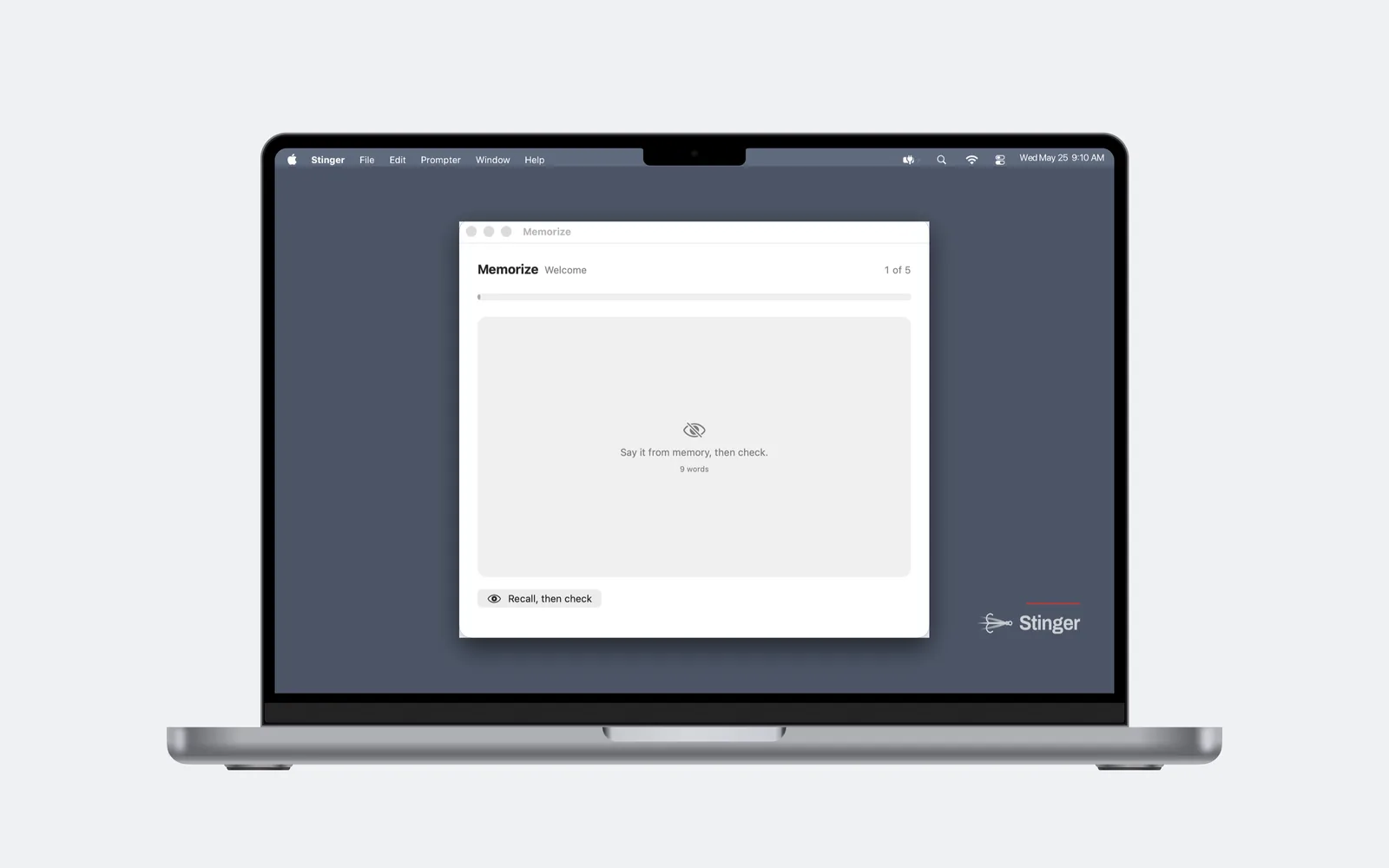
Make the next recording more familiar.
WHO IT’S FOR
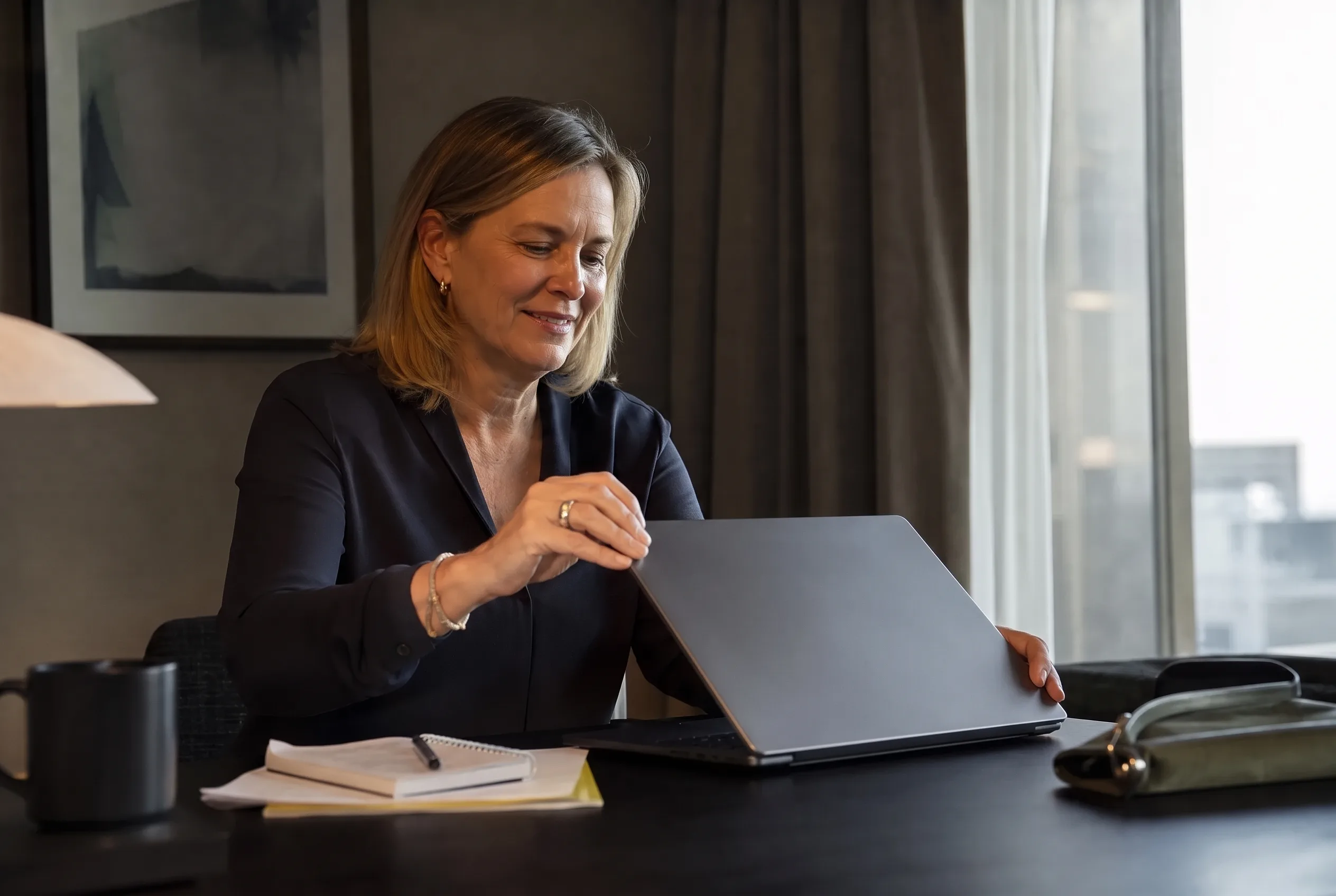
People who talk to a camera because it’s part of the job.
- Coaches and consultantsLessons, welcome videos, sales calls — the script is good; the delivery on take four is not.
- Founders and owners doing their own marketingNo editor, no ring light. One usable take is the whole budget.
- Sales and customer success on Zoom all dayKeep your pitch in order and your notes near the camera. Check the capture before sharing your screen.
- Course creatorsKeep your lesson outline in view while you explain it, with less switching between notes and the camera.
OPTIONAL: STINGER PREMIER
Practice the conversation. Hear your script.
Practice Partner
Rehearse against a voice that talks back before the conversation that matters. Includes 60 practice minutes each month. Uses cloud processing.
Voiceover
Hear your script read aloud. Includes a separate 60 voiceover minutes each month. Script text is sent for cloud processing.
Monthly · $19.97
The full Stinger teleprompter plus Practice Partner and Voiceover. Your own two Macs. Add 30 more practice minutes for $9.
Choose monthly →Annual · $18.25/mo
$219 billed annually. Practice and voiceover each include 60 minutes per month. Manage renewal in My Stinger.
Choose annual →PRICING
Choose your tools. Then your billing.
$9.97/ month
Billed monthly. Same app, same two Macs.
- Stinger for Mac, on up to 2 Macs
- Track, Voice and Auto scrolling
- Ghost Check, Take marks, Lens Check
- Every update while you subscribe
- Manage or cancel from your account
$8.25/ month
$99 billed annually. Save 17% versus monthly.
- Stinger for Mac, on up to 2 Macs
- Track, Voice and Auto scrolling
- Ghost Check, Take marks, Lens Check
- Every update while you subscribe
- Manage or cancel from your account
macOS 15+ · Apple Silicon or Intel · Your own two Macs per paid license. Prices in USD; tax calculated at checkout.
QUESTIONS
Asked before buying.
Does it need a Mac with a notch?
No. The panel can float near your camera on a Mac without a notch or an external display. Requires macOS 15 or later, Apple Silicon or Intel.
Will people on my call see it?
Stinger asks macOS to exclude its panel from capture. Run Ghost Check, then verify the meeting or recording app and sharing mode you plan to use; capture behavior varies.
Does my voice go anywhere?
Voice and Track process microphone input locally. Premier Practice Partner sends microphone audio and script context for cloud processing; Voiceover sends script text. Optional iCloud sync uploads scripts to your Apple Account.
What if Track mode mishears me?
Track follows your place and falls back to Voice behavior when confidence drops. It uses an on-device dictation language available on your Mac.
Can I use it on two Macs?
A paid license covers your own two Macs. Manage devices and renewal in My Stinger; the license is not shared between people.
Where do my scripts live?
Your scripts stay plain Markdown files on your Mac. Optional iCloud sync keeps them on your other Macs. Your files remain yours after your subscription ends.
Try it with the words you already know.
Free 7-day trial · Auto scrolling · One Mac · No card needed. Ready for Voice and Track? Stinger starts at $9.97/month.
Stinger help
Short guides for your first script, scroll modes, screen-capture checks, license management, and Premier minutes.