

DOWNLOAD STINGER
Your next script. Right by the lens.
Download Stinger on your Mac, then start your free 7-day trial in the app. No card needed.
macOS 15 (Sequoia) or later, Apple Silicon or Intel
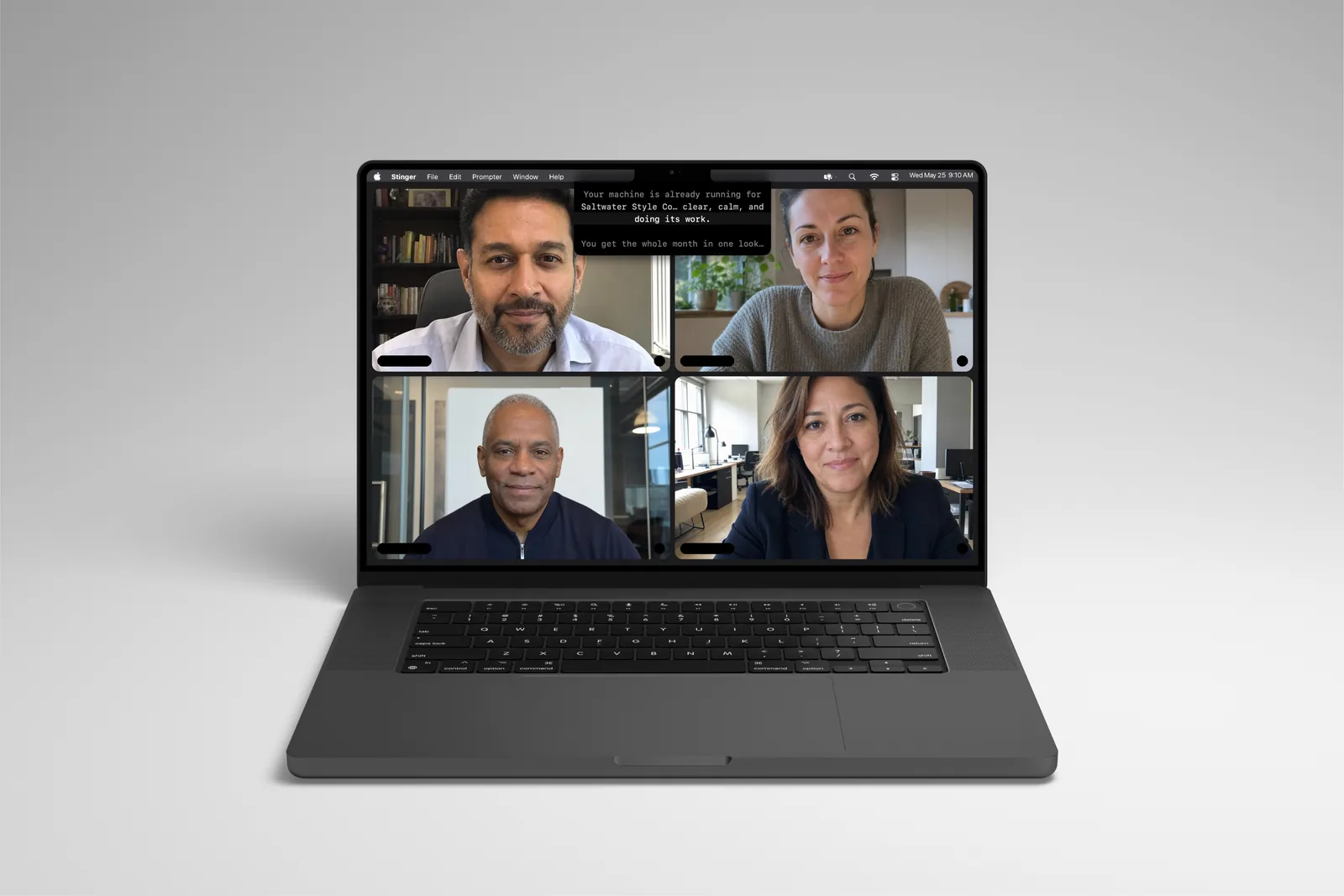
From download to your first script.
01 · Install
Open the download and move Stinger to Applications.
02 · Start your trial
Open Stinger and enter your email in the trial screen. Your 7 days begin in the app.
03 · Try your own words
Load a short script, place it near the camera, and try Auto mode.
A useful first run.
The free 7-day trial includes Auto scrolling on one Mac, with no card needed. Voice and Track require a paid license; Practice Partner and Voiceover require Premier. Start the trial inside the downloaded Mac app. No automatic charge. Your script files stay yours.
Check your setup.
macOS 15 (Sequoia) or later, Apple Silicon or Intel. Before your first call, use Ghost Check and verify what your meeting or recording app actually captures. On a phone? Return to this page on your Mac to install the app.
Before you start
What does the Stinger trial include?
The free 7-day trial includes Auto scrolling on one Mac, with no card needed. Voice and Track require a paid license; Practice Partner and Voiceover require Premier. Start the trial inside the downloaded Mac app.
Will I be charged when the trial ends?
No. The trial requires no card and does not renew. Choose a paid license if you want to keep using Stinger after the trial.
Does Stinger work offline?
Local scrolling can use downloaded scripts without a connection while your license remains valid. Server-issued licenses need a successful check within 14 days; Premier cloud features, updates, and new cloud downloads need a connection.
Stinger help
Short guides for your first script, scroll modes, screen-capture checks, license management, and Premier minutes.