

Stinger
A Mac teleprompter that hangs your script under your camera lens
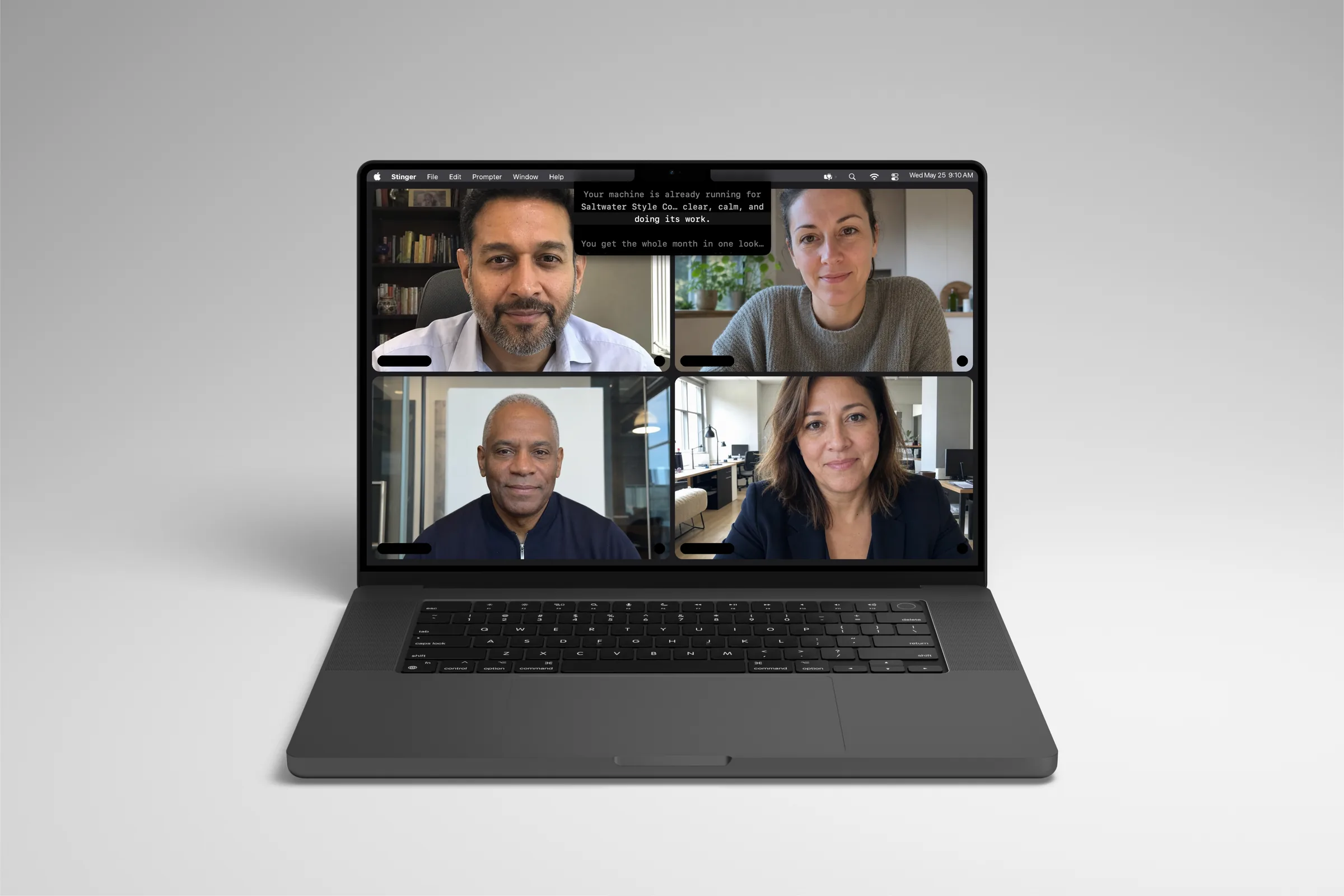
Keep your script close to the lens, follow your words, and spend less attention finding your place.
Free 7-day trial · No card · Auto scrolling on one Mac. Voice and Track require a paid license. Start your trial inside the downloaded Mac app.
9:40pm, take four, kitchen table
The doc is open in a window to the left, and every time her eyes flick over, the camera catches it. Take three she nailed the opening and blanked on point three. She drags the doc closer, says "okay, okay" to nobody, and hits record again. The good take from Tuesday had a typo in the caption and she deleted it.

How it works
Three ways to scroll, one place for your eyes.
Set your pace
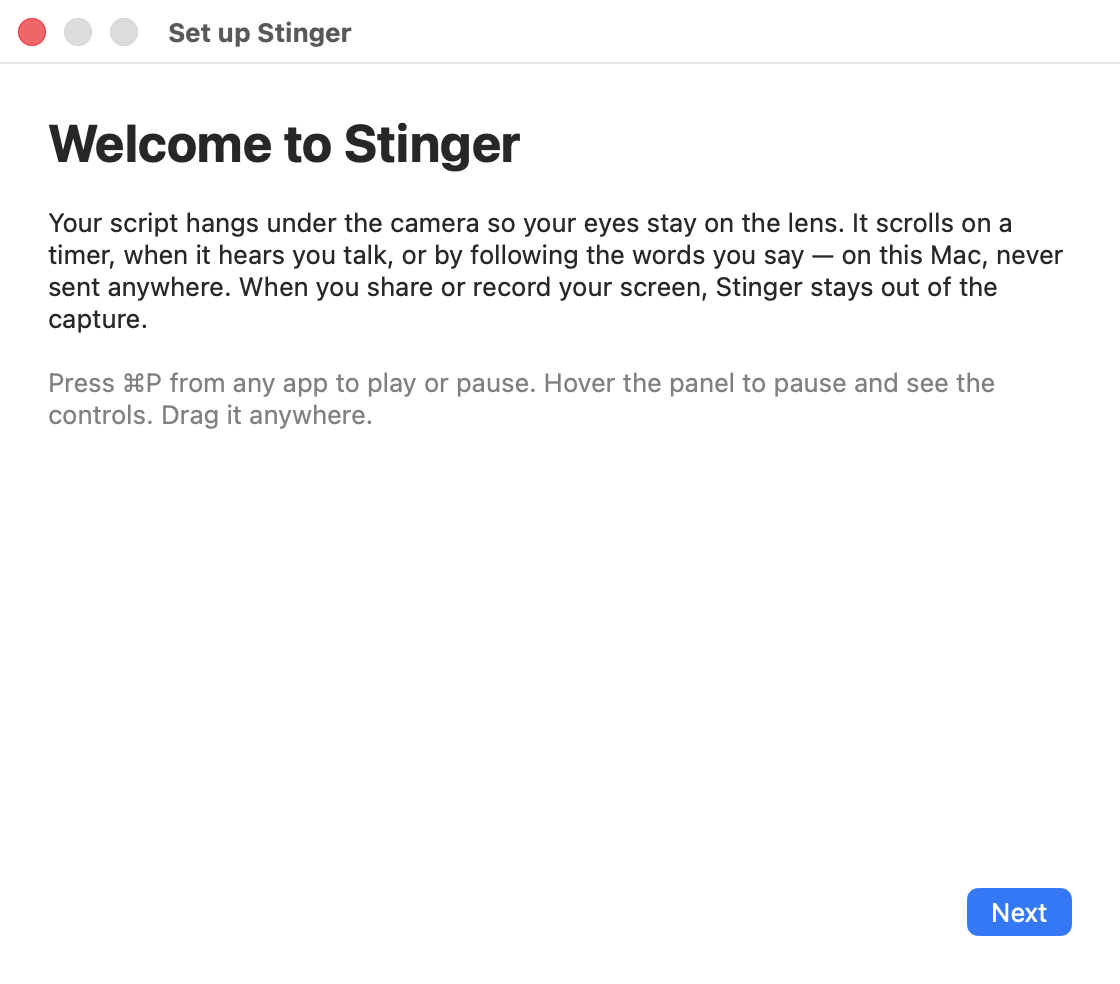
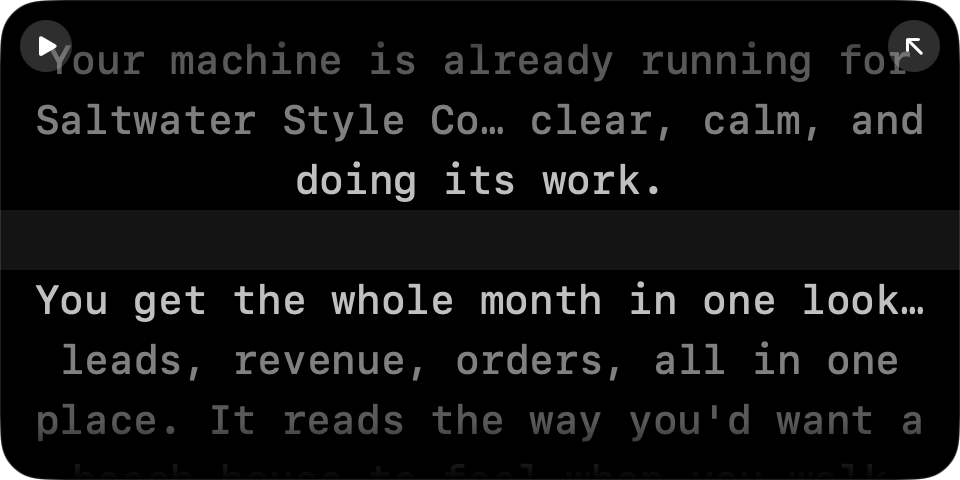
Drop your script in and Stinger hangs it under the notch, right where the camera is. Set a scroll speed and go.
Just talk
Switch to Voice mode and the script scrolls while you speak, and pauses the second you stop. No timer to outrun.
Say it your way
Track mode listens for the words you actually say and keeps the lit line where you are — skip ahead, ad-lib, restart a sentence, it keeps up.
What it does
Notch-anchored panel
Hangs the script directly under your camera, in the notch on newer Macs.
No-notch support
On Macs without a notch, the same panel sits top-center on screen.
Auto scroll
A fixed pace you set and adjust live, for a polished, timed read.
Voice-activated scroll
Scrolls while you talk, pauses when you stop, tuned so a breath doesn't trip it.
Track mode word-following
On-device speech recognition keeps the lit line on the words leaving your mouth.
Learns your pace
Reads your speaking speed as you go and sets the fallback scroll to match.
Hides from screen capture
Asks macOS to leave the panel out of what your call or recording sees.
Global hotkeys
Play, pause, restart, and resize from any app, with ⌘P from anywhere.
Drag it anywhere
Float the panel off the notch and resize it from any edge, any size.
Built-in script editor
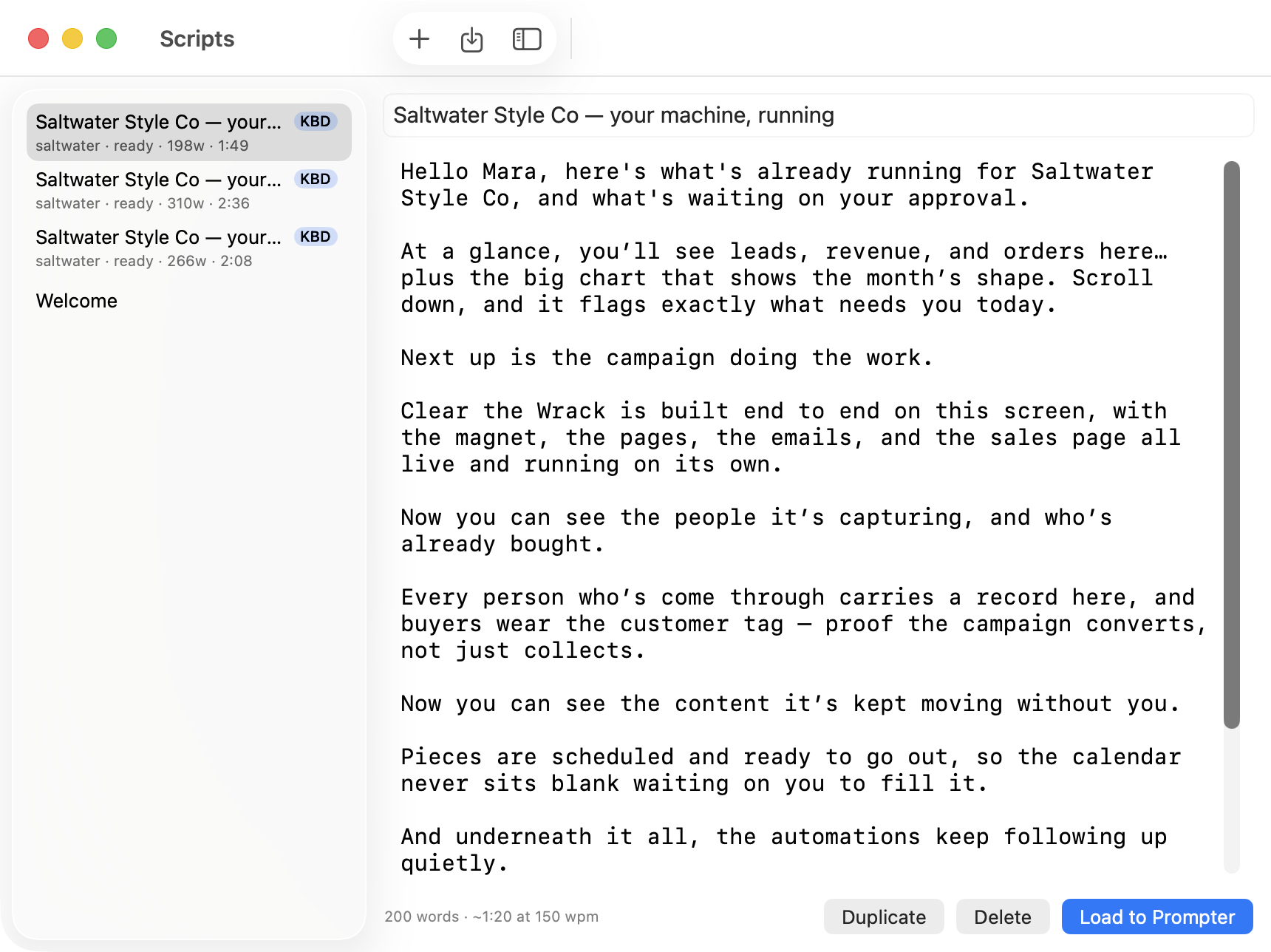
Write and edit scripts as plain files right on your own Mac.
Your scripts are plain files
On your Mac, or in your own iCloud Drive when you turn it on. Never tied to a login to read.
Who it's for
- Coaches recording lessons
- You know the lesson cold — you just need the words where your eyes already are, so the take sounds like you teaching, not you reading.
- Founders on camera
- Investor updates, product walkthroughs, hiring videos — say it once, in order, without six takes eating your evening.
- Sales and CS calls
- The pitch lands the way you wrote it, with your eyes on the prospect's face instead of a notes window they can see too.
- Consultants doing screen shares
- Your script stays private under the lens while the share stays clean — no visible notes window undercutting the demo.
- Course creators
- A welcome video, a module intro, a sales page video — twenty minutes each instead of an evening, because the words are where your eyes are.
Choose the scroll mode for the moment.
Auto · a pace you set
Use a steady scroll speed for a timed read. Auto is included in the trial.
Voice · moves when you talk
Microphone level starts and pauses the scroll. Voice responds to sound, without recognizing words.
Track · follows your words
On-device speech recognition follows your place in the script and falls back to Voice behavior when confidence drops. Voice and Track require a paid license.
Pricing
Two plans, monthly or yearly billing
Pay monthly or pay yearly and save — either way, cancel anytime and keep using it through the period you paid for.
2 Macs per license
Get StingerGet Stinger- Full app, every scroll mode, every update
- Auto, Voice, and Track scrolling
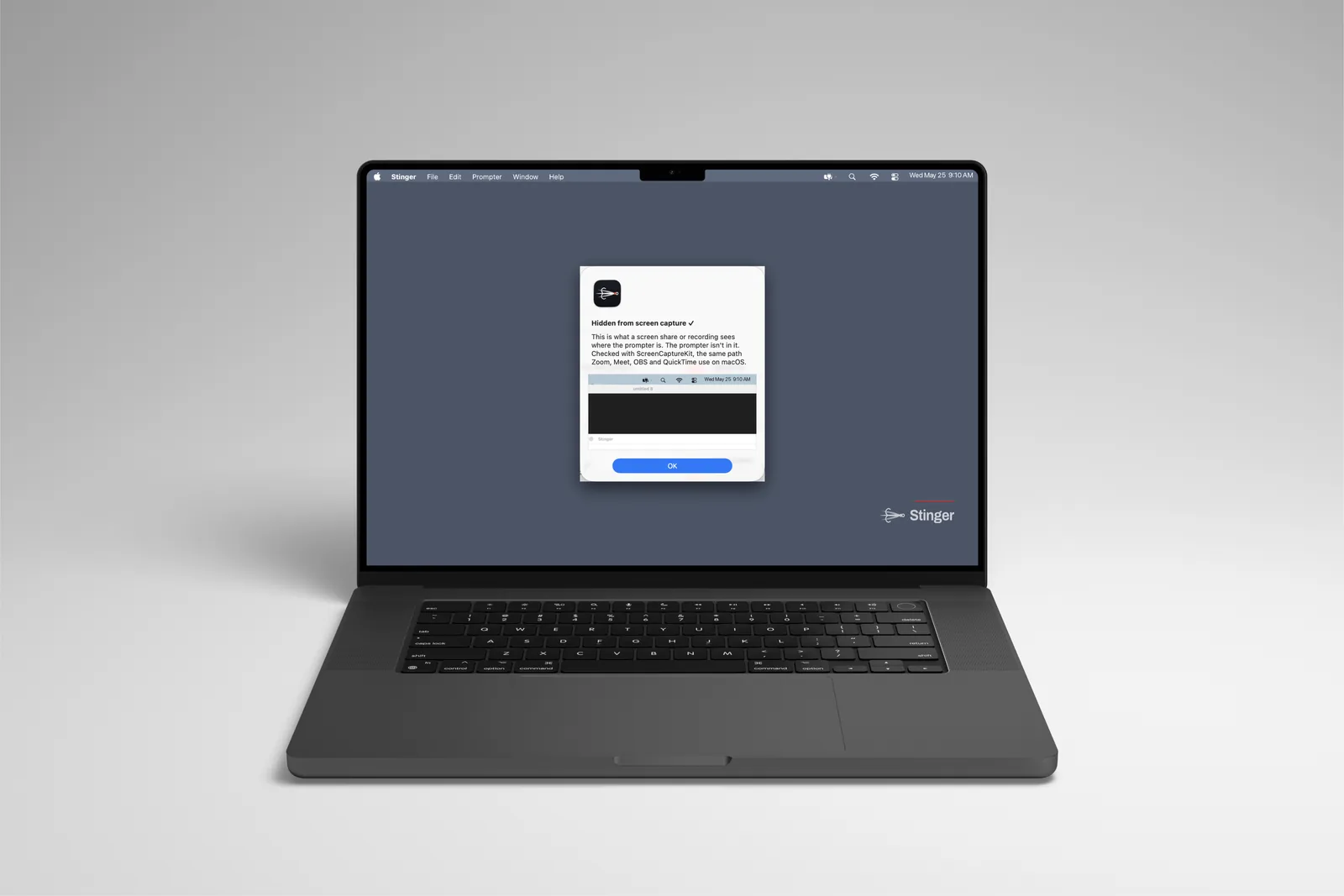
- Ghost Check — verify capture before sharing
- license covers 2 Macs
- Cancel anytime, no long-term lock-in
Covers 2 Macs per license key
Get PremierGet PremierEverything in Stinger, plus
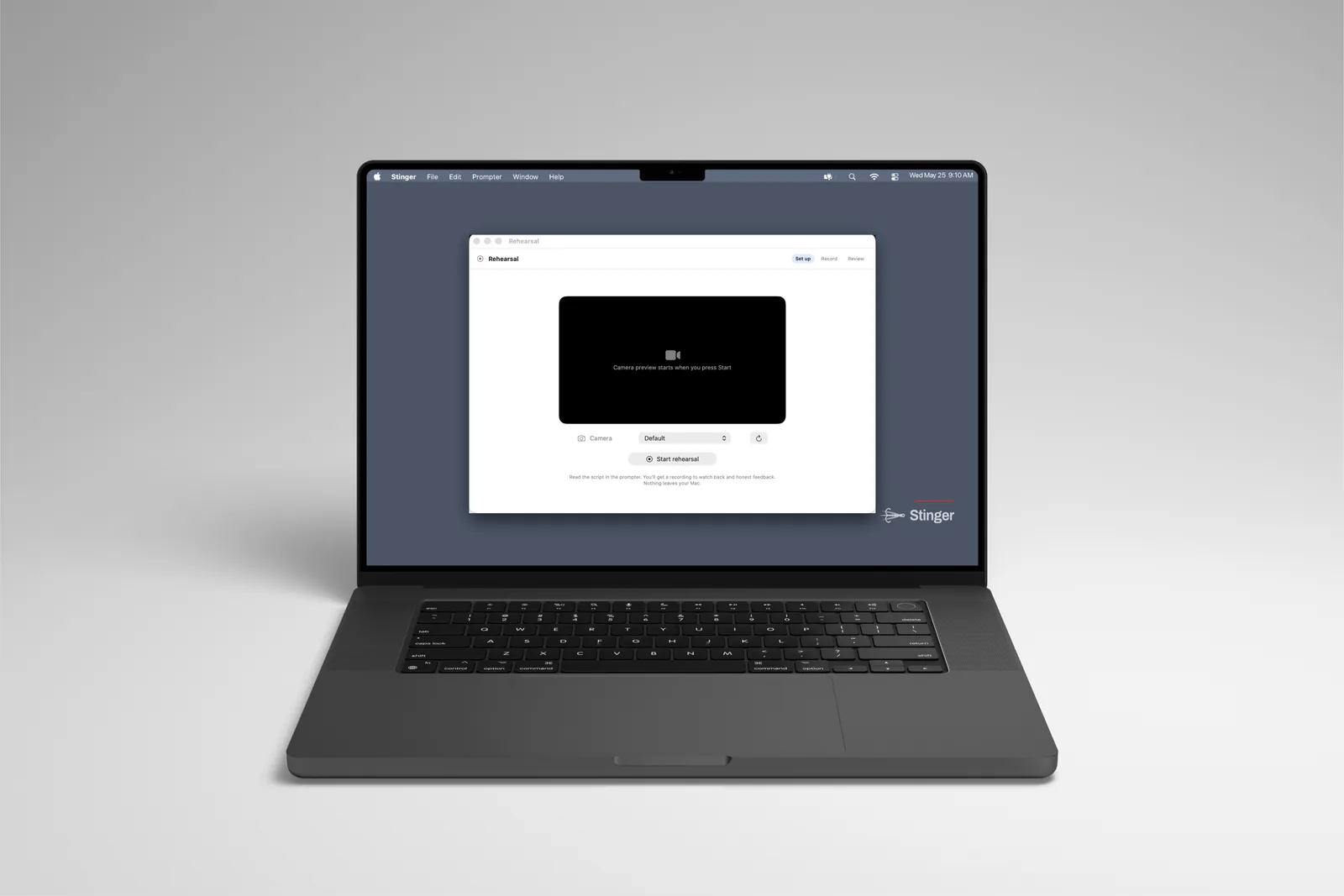
- Practice Partner: rehearse against a voice that talks back
- Voiceover: your script read aloud
- 60 practice minutes and 60 voiceover minutes a month
- 30 more practice minutes, $9, whenever you need them
Your license key and download link arrive by email after purchase. Manage your Macs and renewal in My Stinger; contact support if you need help.
Questions
Which Macs does Stinger run on?
macOS 15 (Sequoia) or later, on Apple Silicon or Intel. If your Mac meets that, Stinger runs on it — notch or no notch.
What if I don't have a notch on my Mac?
Stinger still works — the same panel sits at the top-center of your screen instead of anchored to a notch. You get the same scroll modes and the same hotkeys either way.
Will my screen share or recording show the script?
Stinger asks macOS to exclude its panel from capture. Use Ghost Check, then verify in the meeting or recording app and sharing mode you plan to use; capture behavior varies.
How does Track mode handle background noise or a quiet room?
Track mode listens for your actual words using on-device speech recognition, so it holds up better than volume-based scrolling in most rooms. It's still speech recognition, so a very noisy room can throw it off occasionally.
Is my voice or script sent anywhere?
Voice and Track process microphone input locally. Premier Practice Partner sends microphone audio and script context for cloud processing; Voiceover sends script text. Optional iCloud sync uploads scripts to your Apple Account.
Why is this a subscription instead of a one-time purchase?
Because Stinger keeps moving — new scroll behavior, better tracking, macOS updates — and the subscription is what keeps your copy current instead of frozen. It's $9.97/month or $99/year, and either way you get every update as it ships.
Can I cancel anytime?
Cancel renewal in My Stinger and access continues through your paid period. When the license expires, the app and updates stop; your script files remain yours.
How many Macs can I use it on?
One paid license covers your own two Macs. Deactivate an old Mac in My Stinger to move a slot; the license is not for sharing between people.
Does Stinger work offline?
Local scrolling can use downloaded scripts without a connection while your license remains valid. Server-issued licenses need a successful check within 14 days; Premier cloud features, updates, and new cloud downloads need a connection.
What happens to my scripts if I cancel?
Cancel renewal in My Stinger and access continues through your paid period. When the license expires, the app and updates stop; your script files remain yours.
What does it cost?
Stinger is $9.97/month or $99/year and includes Auto, Voice and Track. Premier adds Practice Partner and Voiceover for $19.97/month or $219/year. Both subscriptions include updates while active and cover your own two Macs.
What if it doesn't run on my Mac?
Email hello@stingerprompt.com and a person answers within 7 days to help you sort it out. We'd rather fix it than leave you stuck.
Put your script under the lens and just talk
The notch on your Mac was already in the right place. Stinger just puts your words there.
Get StingerYour license key and download link arrive by email after purchase. My Stinger also holds your key and account controls.
Stinger help
Short guides for your first script, scroll modes, screen-capture checks, license management, and Premier minutes.