Stinger
A Mac teleprompter that hangs your script under your camera lens.
Your eyes never leave the lens, so the first take is the one you keep.
Join the launch list insteadno charge, no spam
9:40pm, kitchen table, take four
A Google Doc sits open on the left side of the screen. Every time her eyes flick to it, the camera catches the drift. Take three she nailed the opening and blanked on point three. She drags the doc closer, hits record again, says "okay, okay" to nobody. The good take from Tuesday had a typo in the caption and she deleted it. She closes the laptop after eleven, tea gone cold, one video down and nothing she'd send a client.

How it works
Three ways to scroll. You pick the one that matches how you talk.
Your script, under the lens
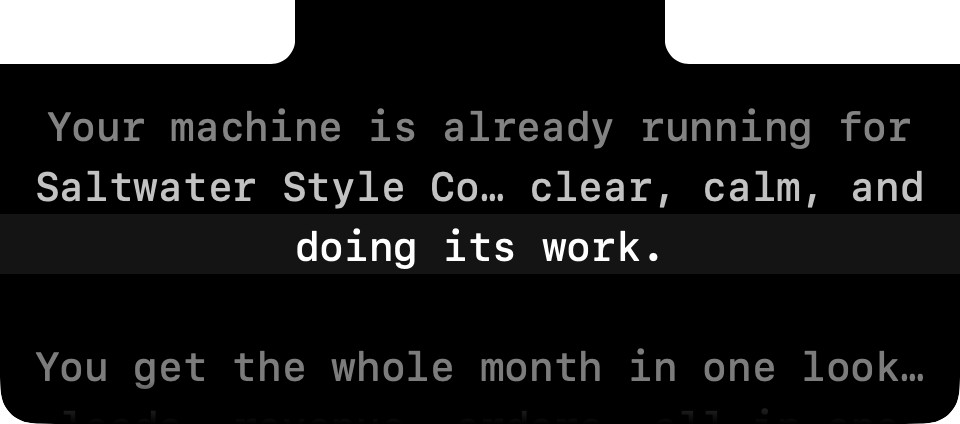
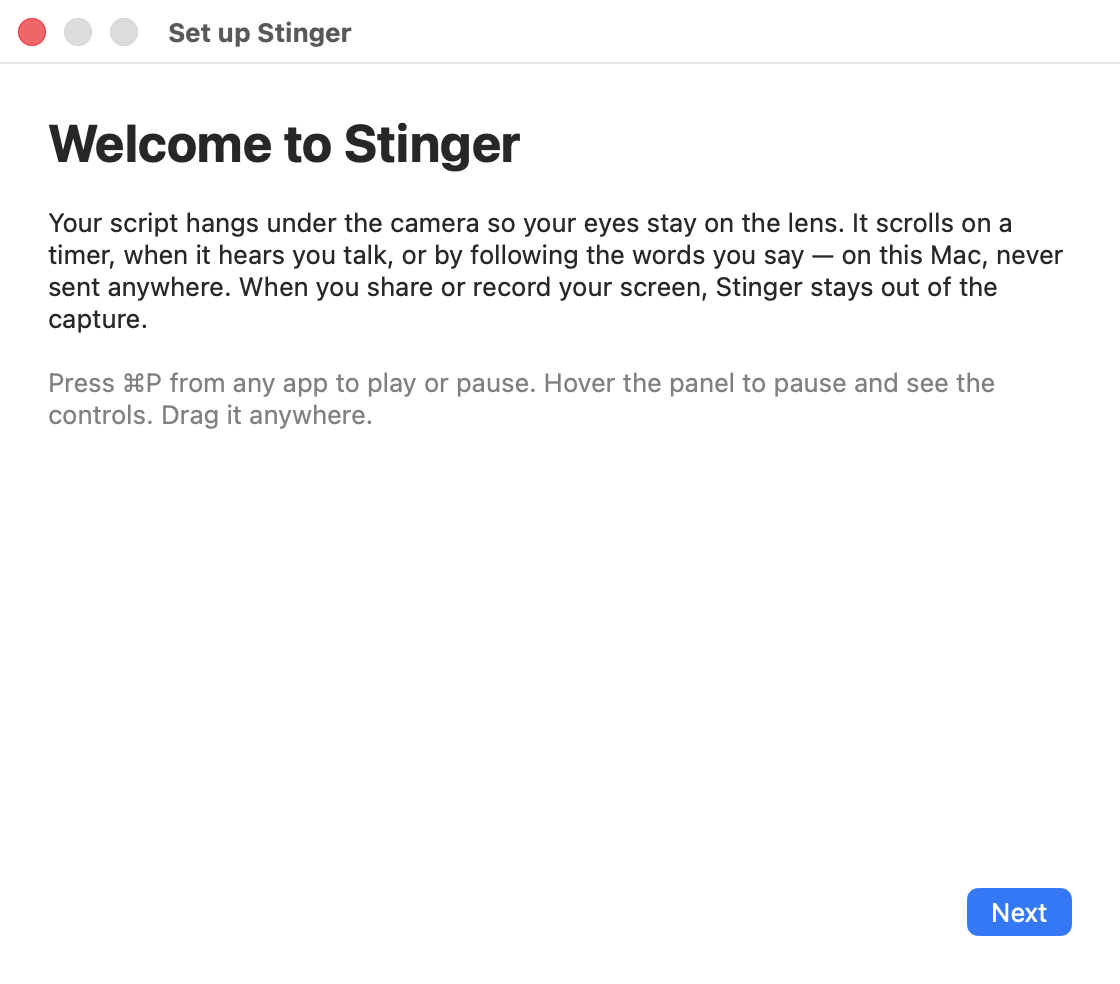
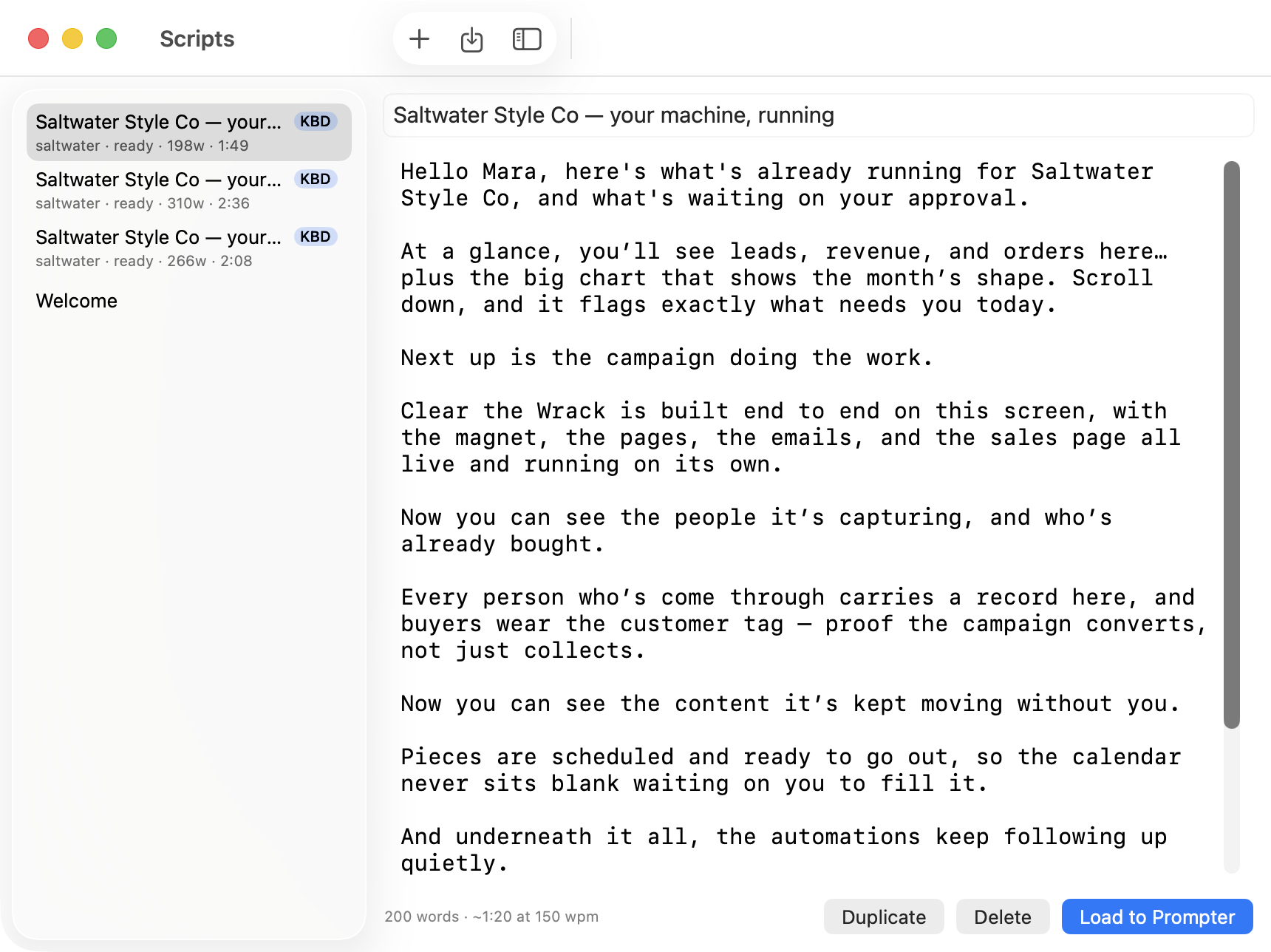
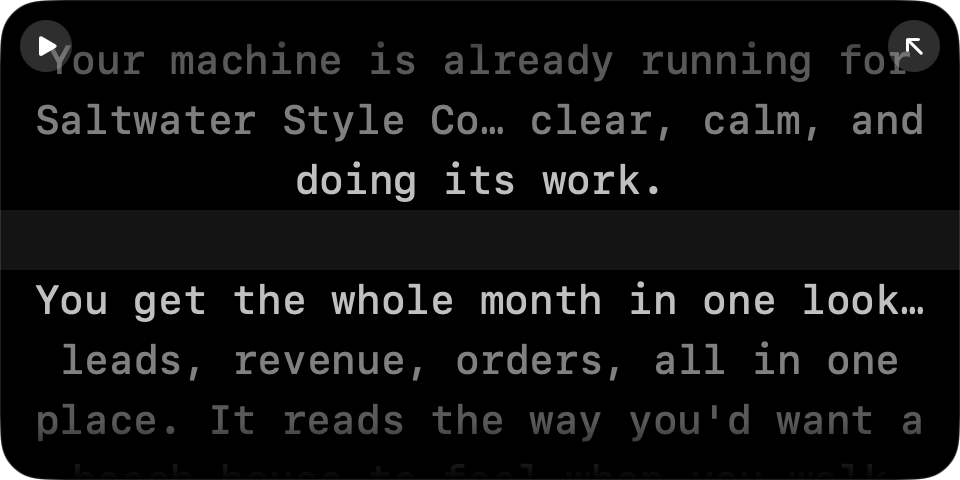
Write or paste your script into Stinger. It hangs from the notch, right under your camera, with one line lit so you always know where you are.
It scrolls when you talk
Voice mode moves the script while you're speaking and pauses the moment you stop, so a real pause never leaves you behind.
It follows your actual words
Track mode listens for the words you say and keeps the lit line on your place, on-device, so skipping ahead or restarting a sentence never loses you.
What it does
Hangs from the notch
The script sits right under your camera lens, within a couple of degrees of eye contact.
Voice-activated scrolling
Scrolls while you talk, pauses when you stop — no timer to fight.
Word-tracking mode
On-device speech recognition keeps the lit line on the words leaving your mouth.
Learns your pace
Reads one sentence in setup and calibrates sensitivity and speaking pace from it.
Hidden from screen capture
Asks macOS to leave it out of the capture, so Zoom, Meet, and QuickTime never see it.
Hover to pause
Move your cursor onto the panel and it pauses instantly, no hotkey needed.
Global hotkeys
⌘P plays or pauses from any app; ⌘R restarts; ⌘⇧N snaps it back to the notch.
Drag it anywhere
Float it off the notch as a resizable card if the notch isn't where you need it.
Plain-file scripts
Scripts live as Markdown files on your Mac — edit them anywhere, no lock-in.
KBD one-click sync
Pull a script written in KBD straight under your camera in one click.
No notch? Same panel
Older Macs and external displays get the same panel at top center of the screen.
Who it's for
- Coaches recording lessons
- Course welcome videos and lesson modules go from an evening of retakes to one clean pass, script in the order you wrote it.
- Consultants on Zoom
- Client calls and demos land the pitch the way it was written, with the notes staying invisible on the share.
- Founders doing their own marketing
- The video that's been sitting on the calendar for three weeks finally gets made, because it costs twenty minutes now, not a night.
- Sales and CS reps
- The talk track hits every point in order, on the first take, instead of the fourth Loom re-record of the day.
Pay once. Own it.
Subscription prompters charge monthly for something a one-time app can do just as well, sometimes better. Moody is one-time like Stinger; Notchie runs $9.99/mo through Setapp; CueNotch is one-time with a free tier plus AI script tools. Here's the plain comparison.
| Row | Subscription prompters | Stinger |
|---|---|---|
| Price today | $0–$10/mo to start | $39 once |
| Price after one year | $0–$120+ and counting | $39, done |
| Updates | Included while you keep paying | Included, forever, no extra charge |
| Where scripts live | Varies — sometimes in the cloud | Plain files on your own Mac |
| What leaves your machine | Varies by app | Nothing, unless you turn on KBD sync or the phone remote |
| Screen sharing | Usually hidden from capture too | Hidden from capture, verifiable with a built-in check |
| Account required | Often, for sync or licensing | None |
Feature sets change; check each app's current site before you compare line by line.
One price, one decision
$39, once. That's the whole decision.
No tiers, no seats, no subscription to cancel later.
- Full app: notch panel, floating mode, all three scroll modes
- Track mode word-following, on-device, no cloud
- Built-in script editor and library
- KBD one-click script sync
- All future updates, no extra charge
- No account, no login, ever
This is a pre-order. Your license key and download link arrive by email the day Stinger ships, and your 30-day guarantee starts that day.
Where we are: pre-launch, and we're saying so
There are no user counts or ratings to show you, because there's no launch yet — we're not going to invent any. What you're buying today is a real, working app with the features listed below, built by one person who's spent thirty years building tools for people who just want the thing to work.
Shipped and working today
- Notch panel with black cover, drag-to-float, resize from any edge
- Auto, Voice, and Track scroll modes
- Hover-to-pause, global hotkeys, 3-2-1 countdown
- Screen-capture exclusion, verified against macOS screencapture
- Built-in script editor, plain-file storage, folder watching
- KBD Machine sync and stinger:// deep links
- Full native Mac app: Dock icon, menus, Settings — macOS 15+, Apple Silicon and Intel
On the roadmap, not yet shipped
- Notarized distribution and auto-update (coming with the Apple Developer account)
- License key system
- iPhone/iPad app with its own overlay and recording
- Phone or iPad remote control
- iCloud script sync
- Track mode in languages other than English
Questions before you buy
Which Macs does it run on?
macOS 15 (Sequoia) or later, on Apple Silicon or Intel. If your Mac has a notch, the script hangs from it; if not, you get the same panel at the top center of the screen.
Will people see it on my screen share?
No. Stinger asks macOS to leave it out of the capture, the same mechanism Zoom, Meet, Teams, and QuickTime rely on. There's a built-in check you can run to confirm it before a call.
Does it record my voice or video?
No. Stinger doesn't record anything. Voice and Track modes listen to your microphone to move the script, and that audio is processed in memory and discarded, never stored or sent anywhere.
How does Track mode work?
It uses on-device speech recognition to match the words you say to your script, so your voice never leaves your Mac. If it loses confidence, it quietly falls back to voice-activated scrolling.
What if there's background noise?
Voice mode scrolls on mic level, so a loud room can trigger it — turn down sensitivity or switch to Track mode, which listens for words instead of volume.
Where do my scripts live?
As plain Markdown files on your own Mac, in a folder Stinger watches. You can edit them with any text editor, and nothing is uploaded unless you turn on KBD sync yourself.
Is it a subscription?
No. It's $39 once, and every future update is included. No account required.
Do I need an external teleprompter rig?
No. It's built around the notch on your MacBook, or the top of the screen on any other Mac display. No extra hardware.
Can I use a presentation clicker or a different mic?
Yes. Clicker mode lets you jump sections with Page Up/Down or F5, and Settings lets you pick any connected microphone or camera.
Is there an iPhone or Windows version?
Not yet. Stinger today is built around the Mac notch and macOS's screen-capture controls; an iPhone/iPad version is on the roadmap.
When do I get the app?
This is a pre-order. Your license key and download link arrive by email the day Stinger ships.
What if it doesn't work for me?
Email us within 30 days of your purchase shipping and we'll help you fix it or refund you, no argument.
30 days, no argument
From the day Stinger ships to you, you have 30 days. If it doesn't fix your on-camera problem, email us and we'll refund you, no questions asked.
— David, First Light Holdings
You already know what to say. Put it under the lens.
One take, eyes on the camera, done before the tea gets cold.
Buy Stinger — $39Pre-order today, license and download arrive the day it ships.